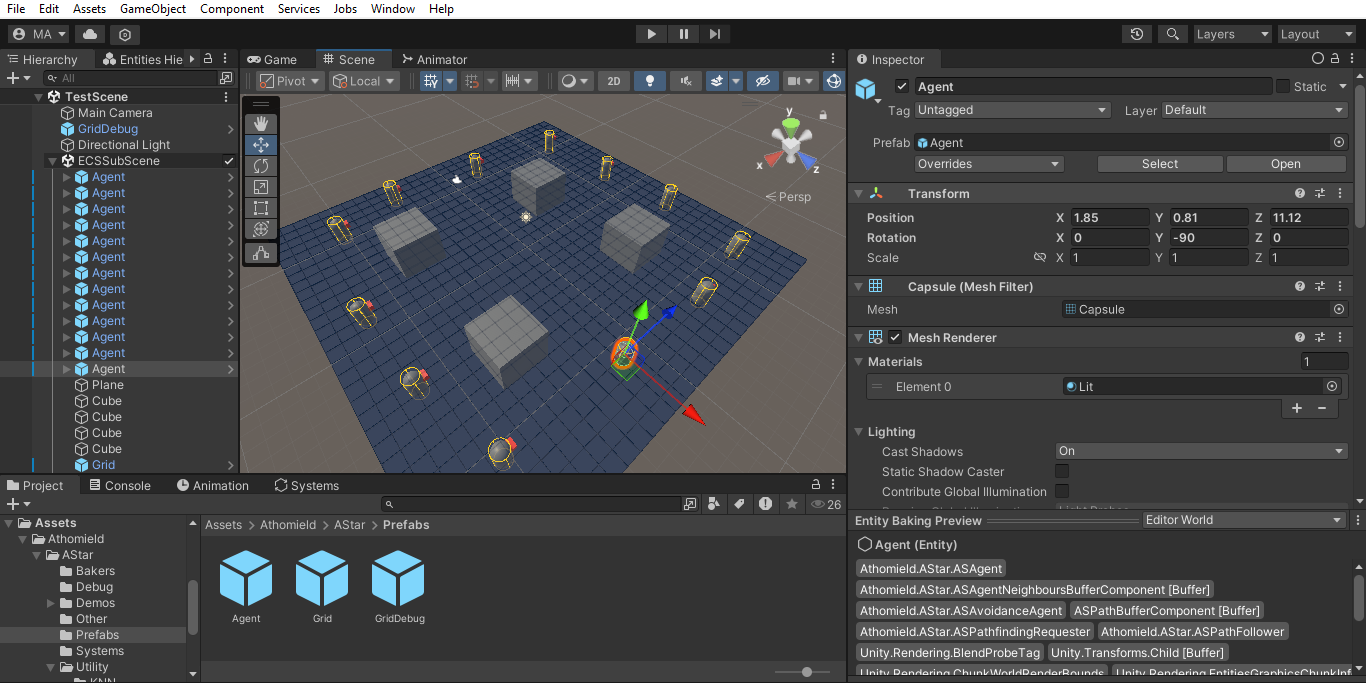
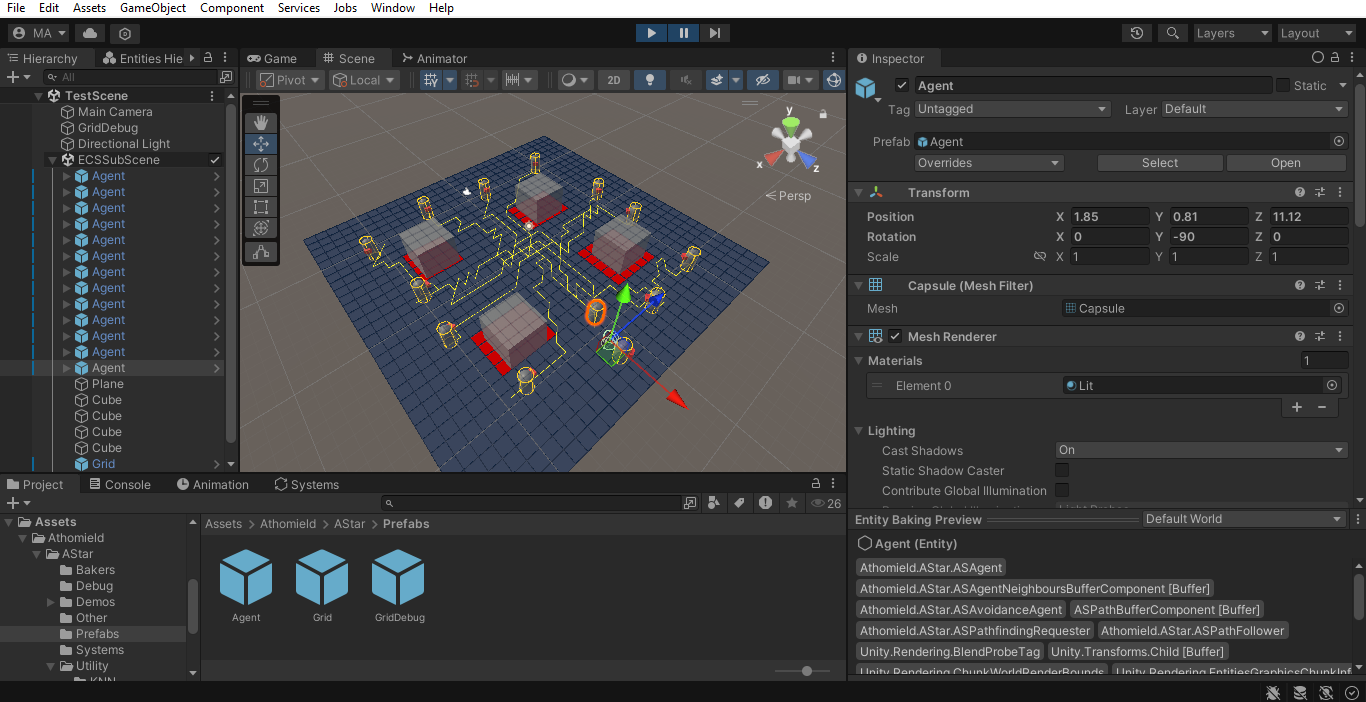
Setup
Neccessary Setup
Here we star-off with an empty scene. First thing we need to do is save this scene and give it a name. This is neccessary because we can’t create an ECS subscene otherwise.
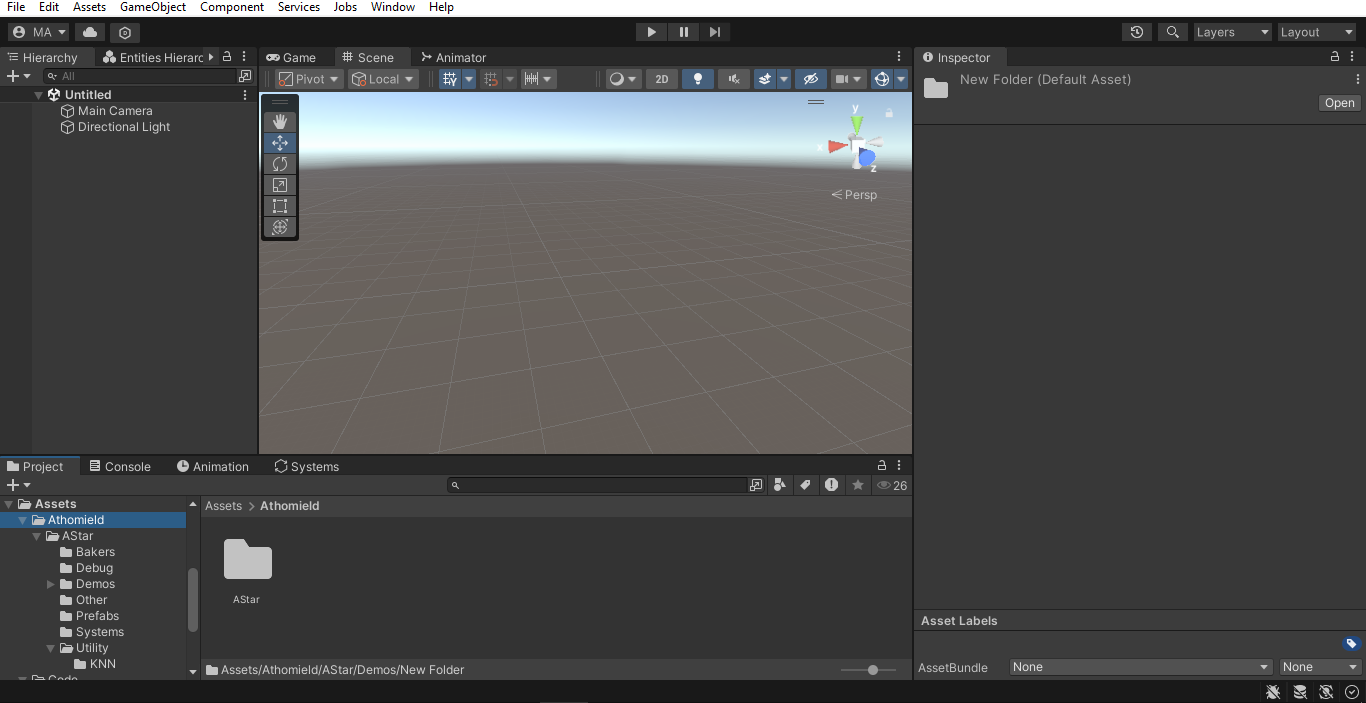
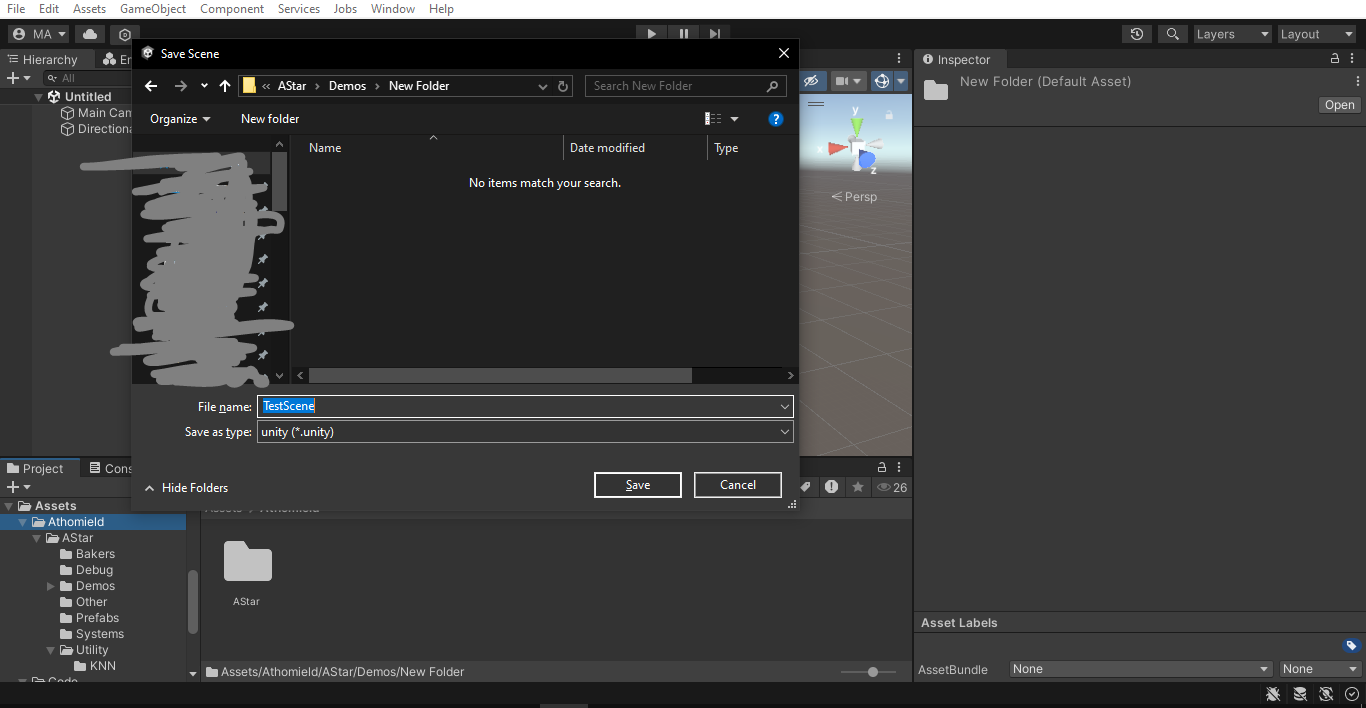
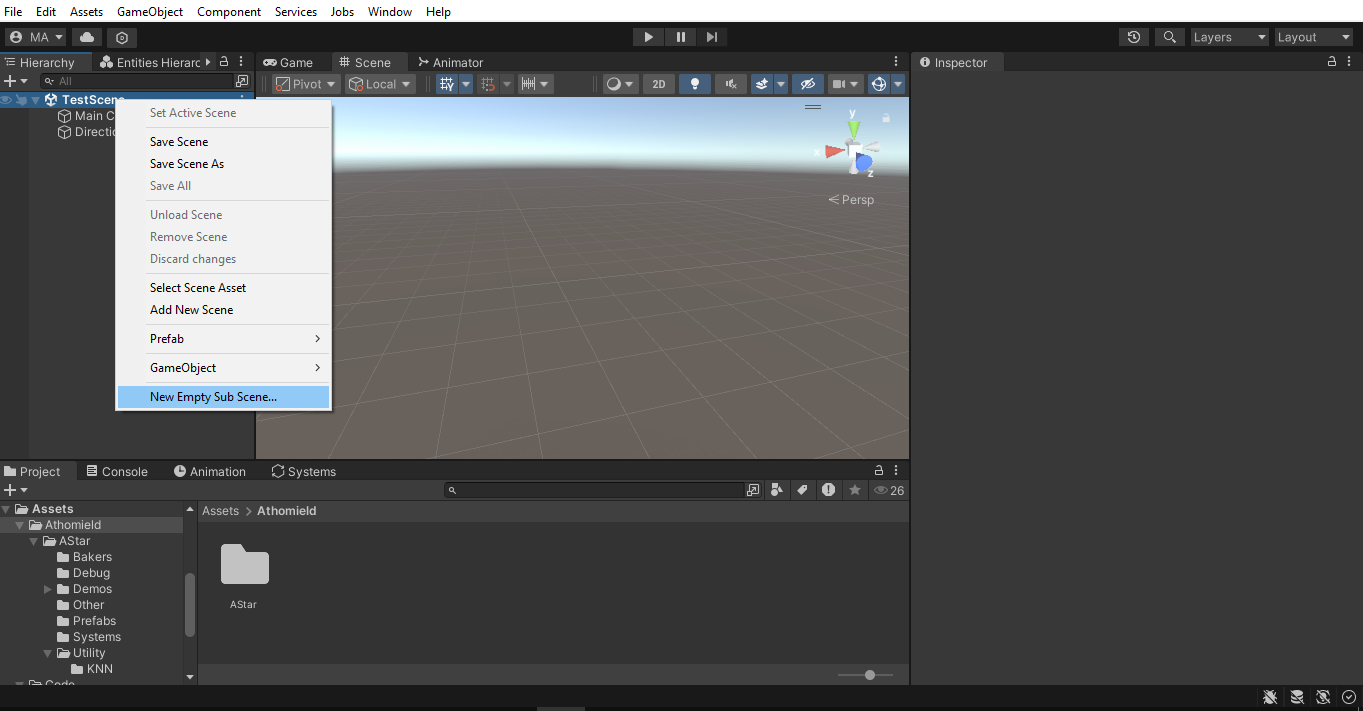
Right-click on the scene name and select “New Empty SubScene”
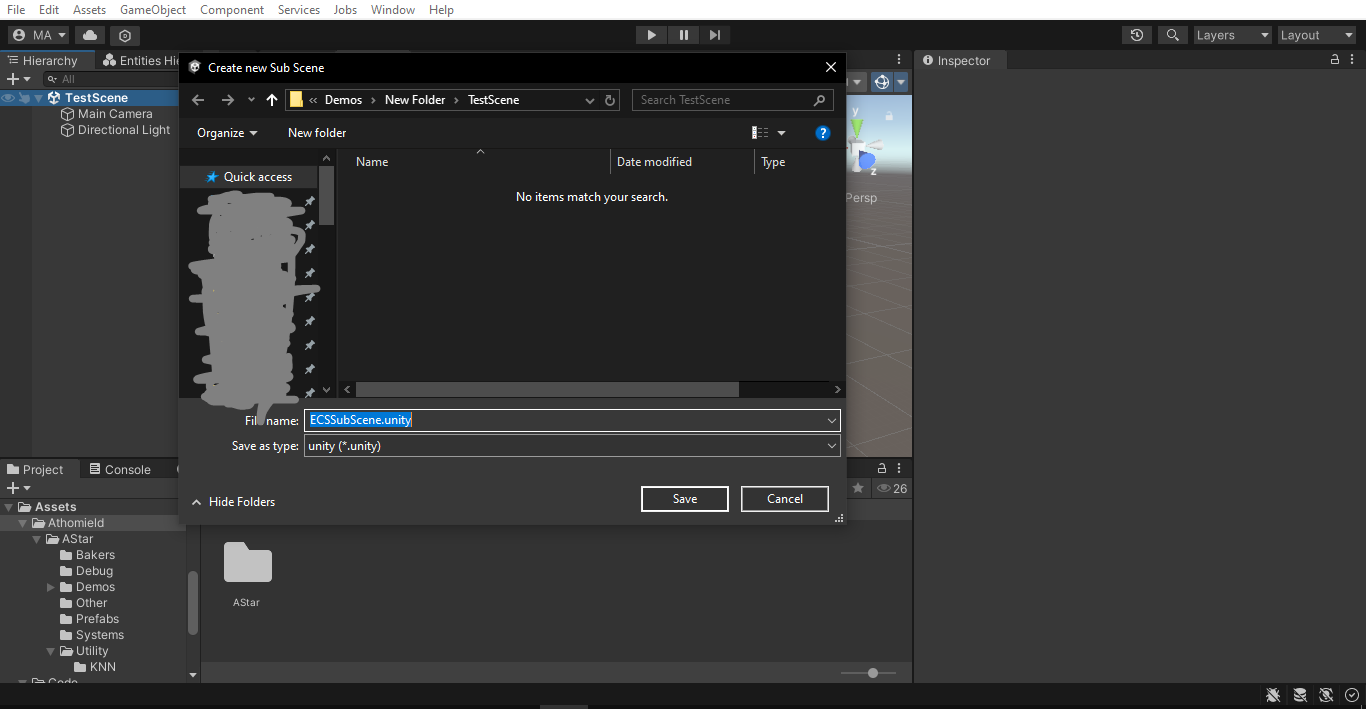
Give it an appropriate name and save (don’t try to change it’s location).
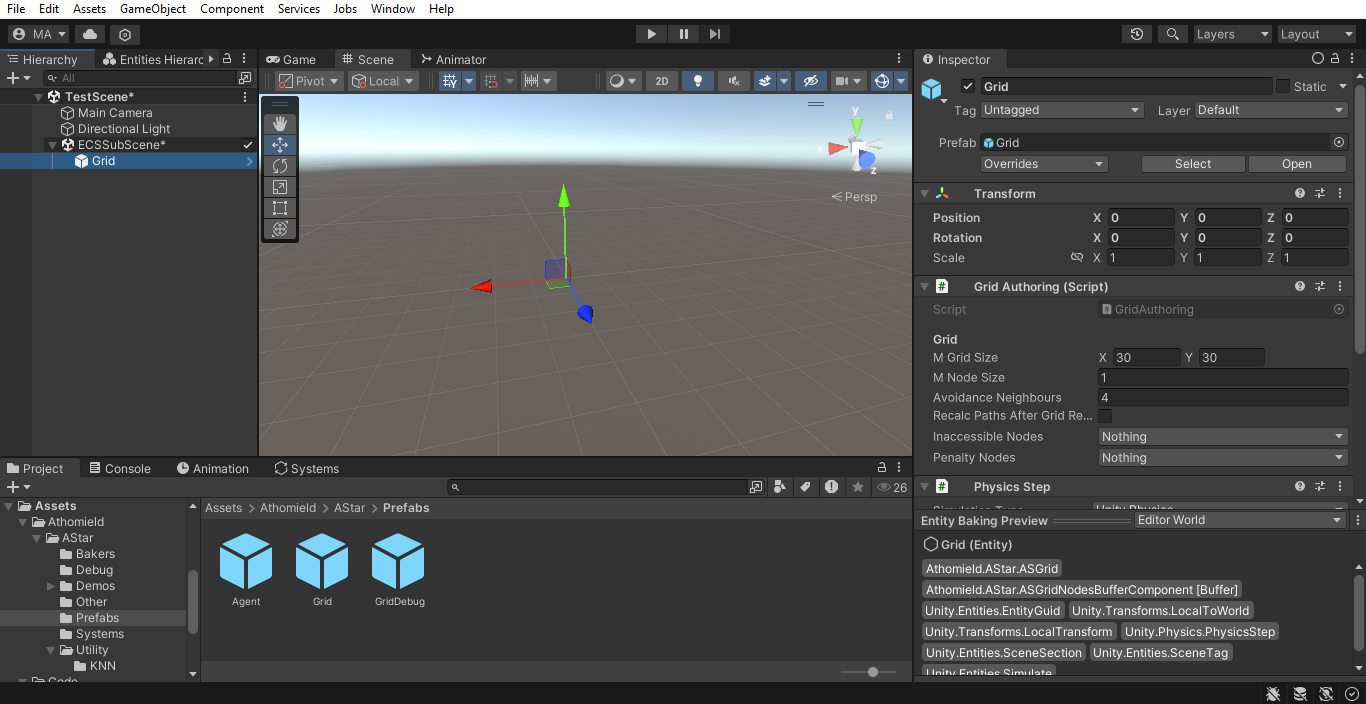
Now go to the “Prefabs” folder in this package, find the Grid prefab and place it as a child of the SubScene.
Note
All GameObjects that are supposed to be baked to ECS objects must be placed in a subscene.
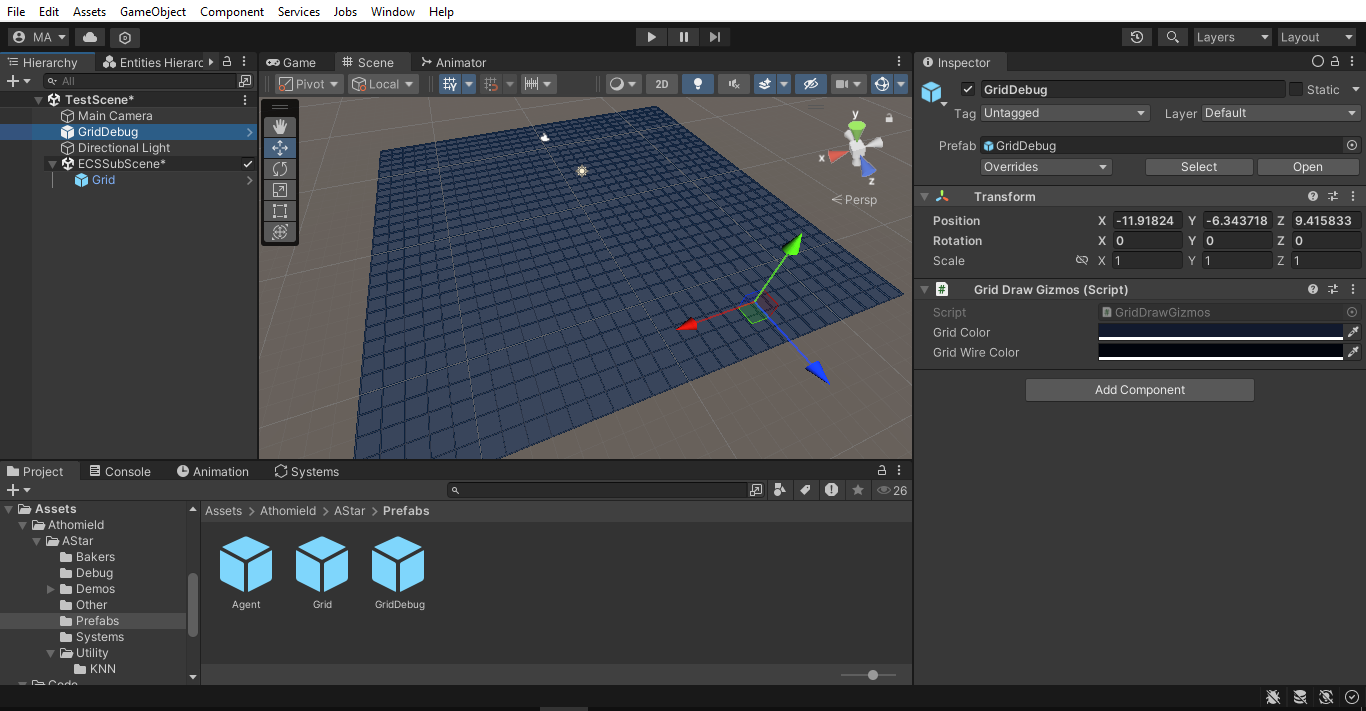
Now place the GridDebug prefab outside of the subscene, so it is a regular GameObject. A grid should show up in the editor.
Create two new LayerMasks, one for Inaccessible grid nodes and another for nodes with a Penalty. Here I intuitively called them Inaccessiblee and Penalty.
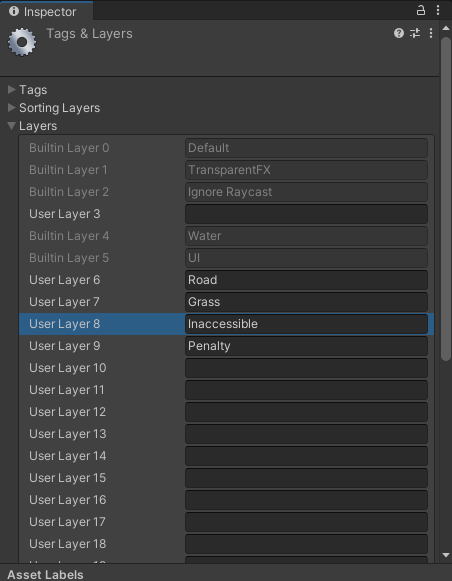
Set these two LayerMasks in the GridAuthoring component in the Grid that you placed earlier in the subscene.
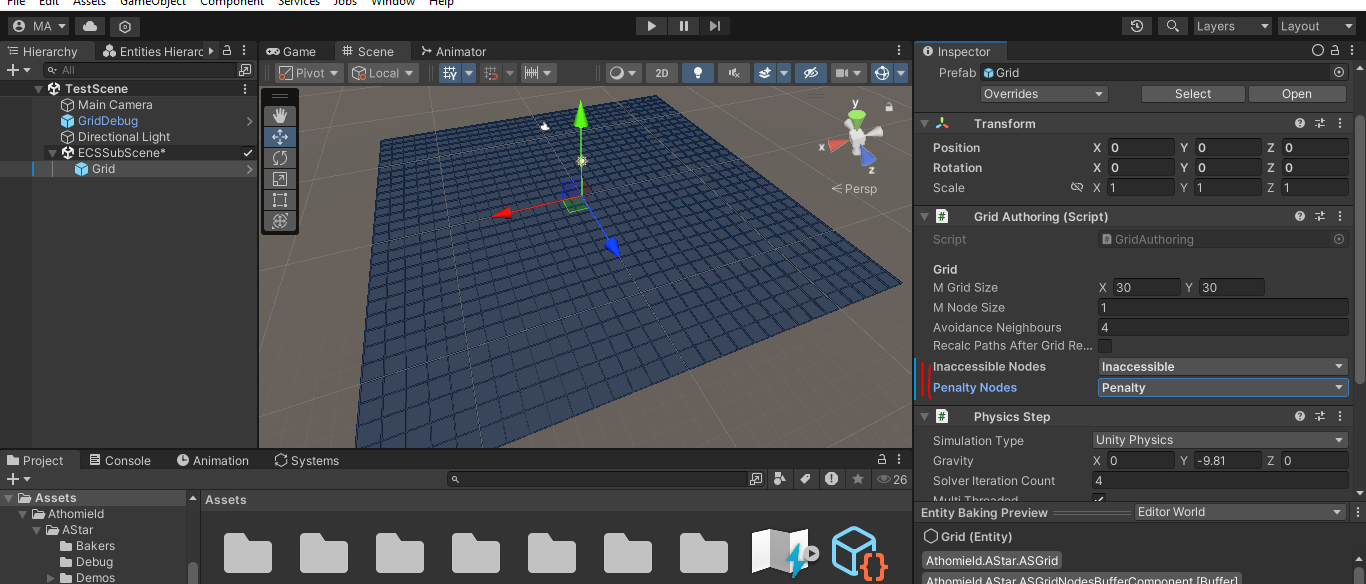
Placing Obstacles
Create a new Cube and Make sure to place it in the ECS-Subcene.
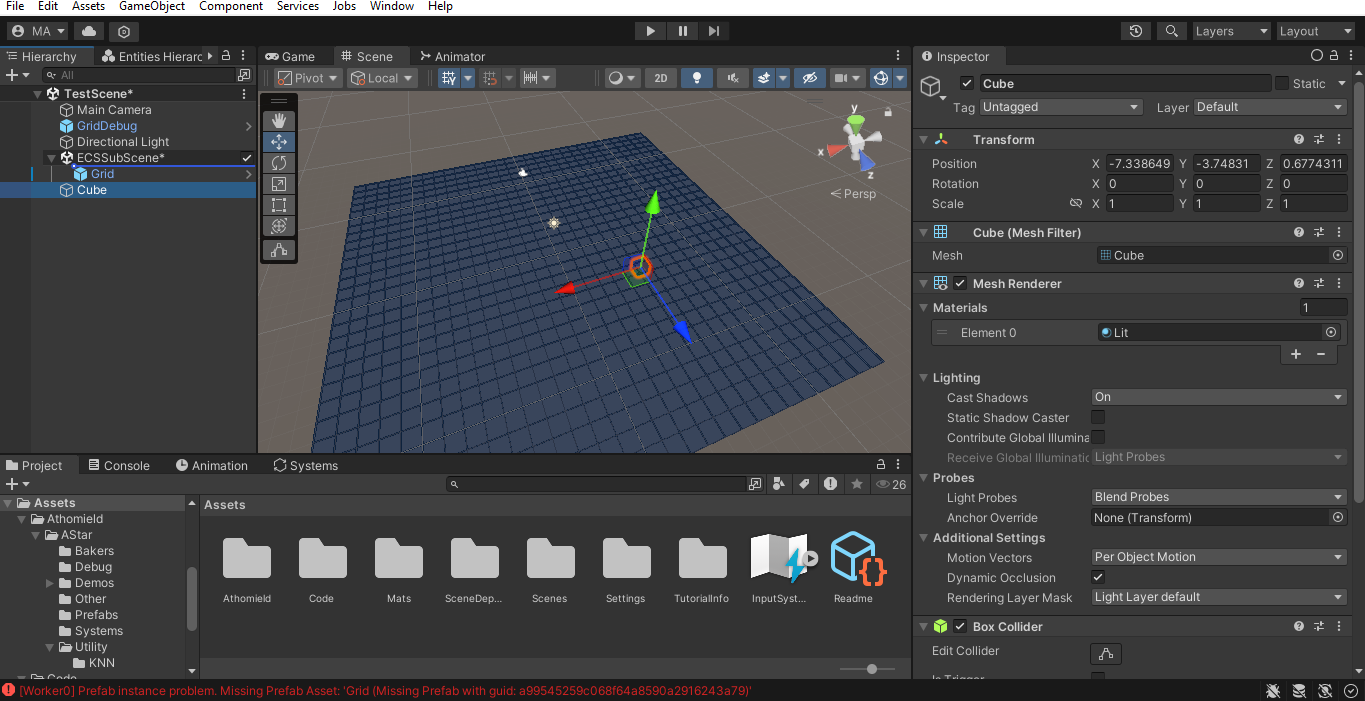
Scale the Cube and place it in one the quarters of the Grid.
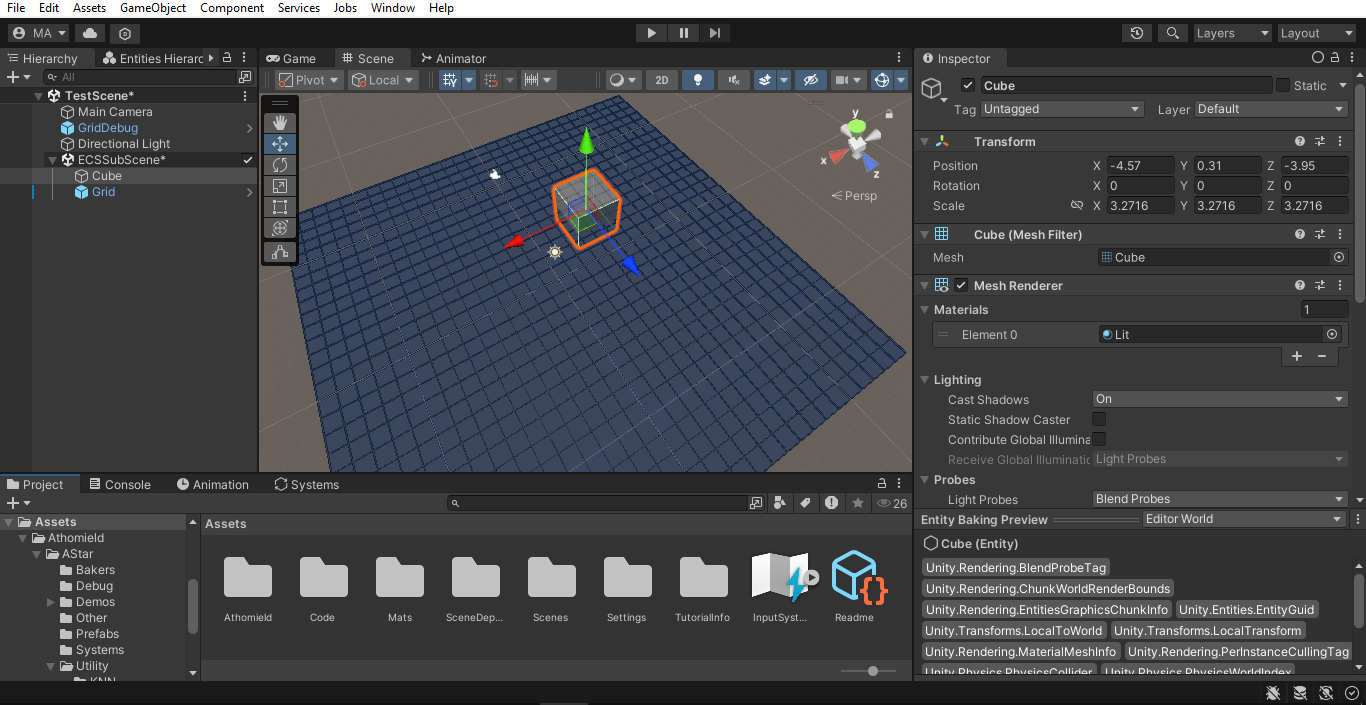
Set the Layer on the Cube to Inaccessible (we created this Lyaer Mask earlier).
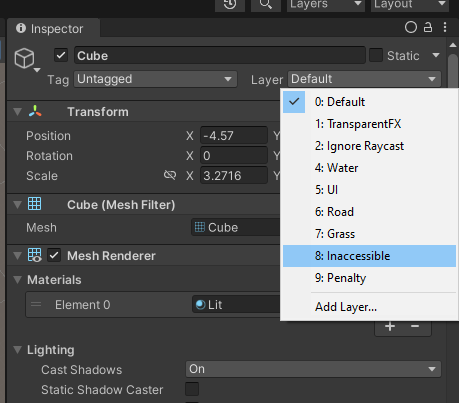
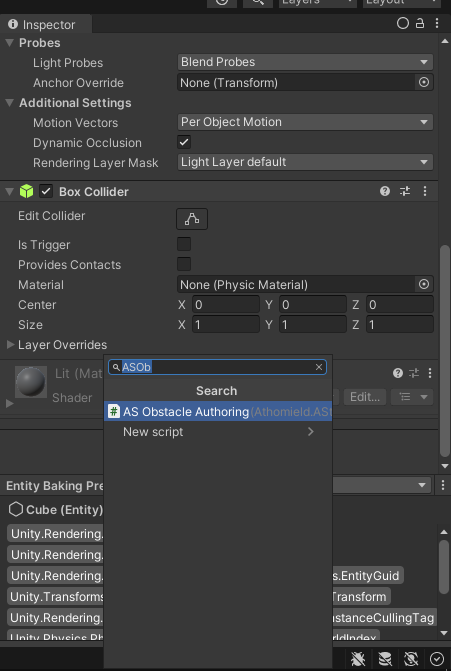
Add an ASObstacleAuthoring component to the Cube. And now it became an Obstacle that Agents will avoid.
Important
Make sure that the Obstacle overlaps with the grid for best result.
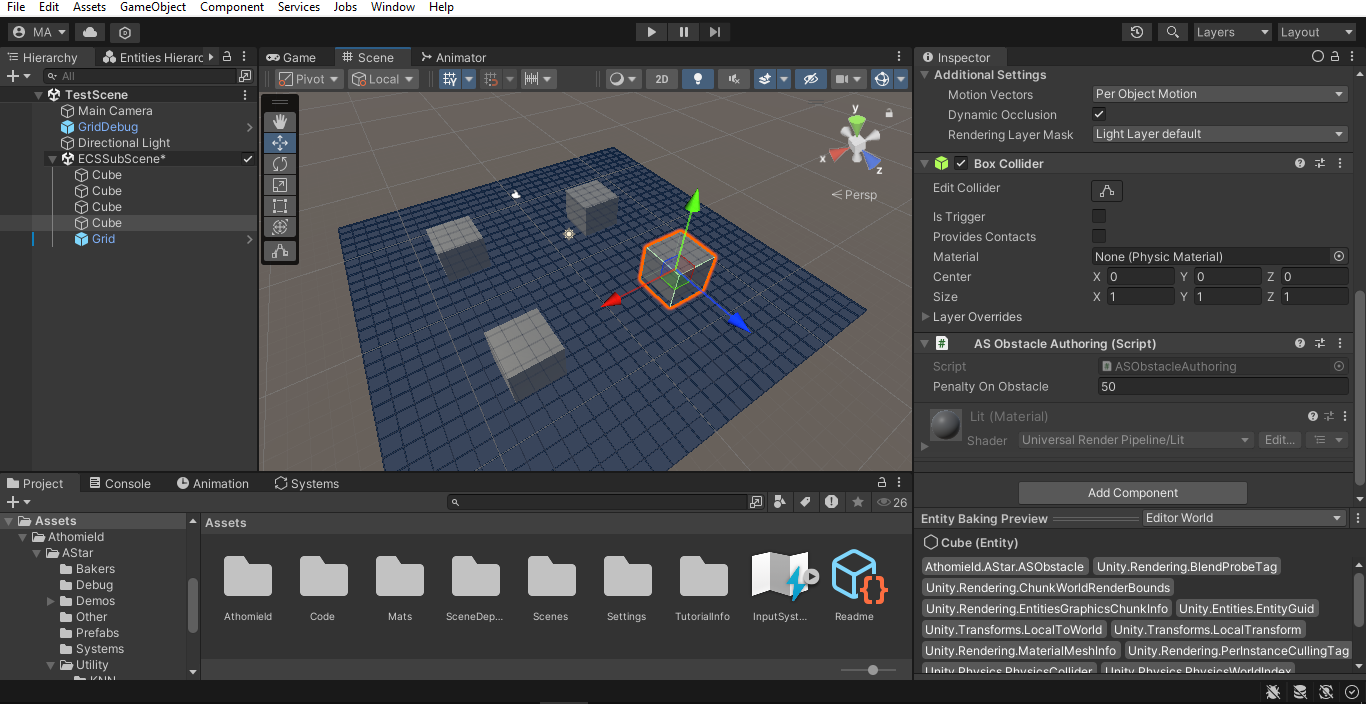
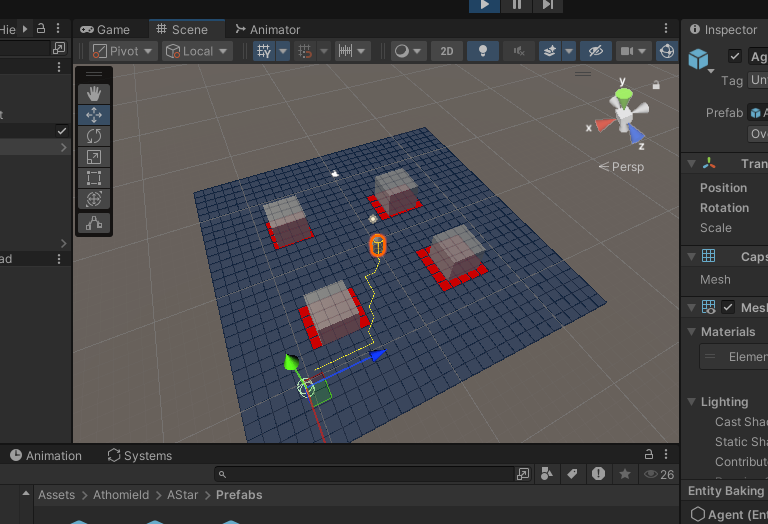
Now dupliacate this Cube 3 more times and place them in the other 3 quarters of the grid like this picture.
First Agents
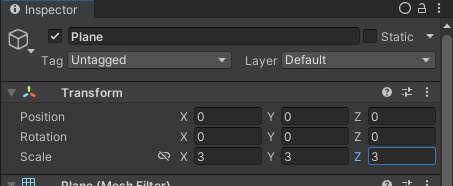
Create a new Plane, placing it in the subscene is not too important as it is just a visual element but it would be a good practice to do so. Place the Plane at 0,0,0 and scale it by 3 in all directions.
Go to the Prefabs folder again, grab the Agent prefab and place it near the corner of the grid. And again, make sure it is inside the ECS-Subcene. You will know it is when the Agent Capsule in Yellow is visible.
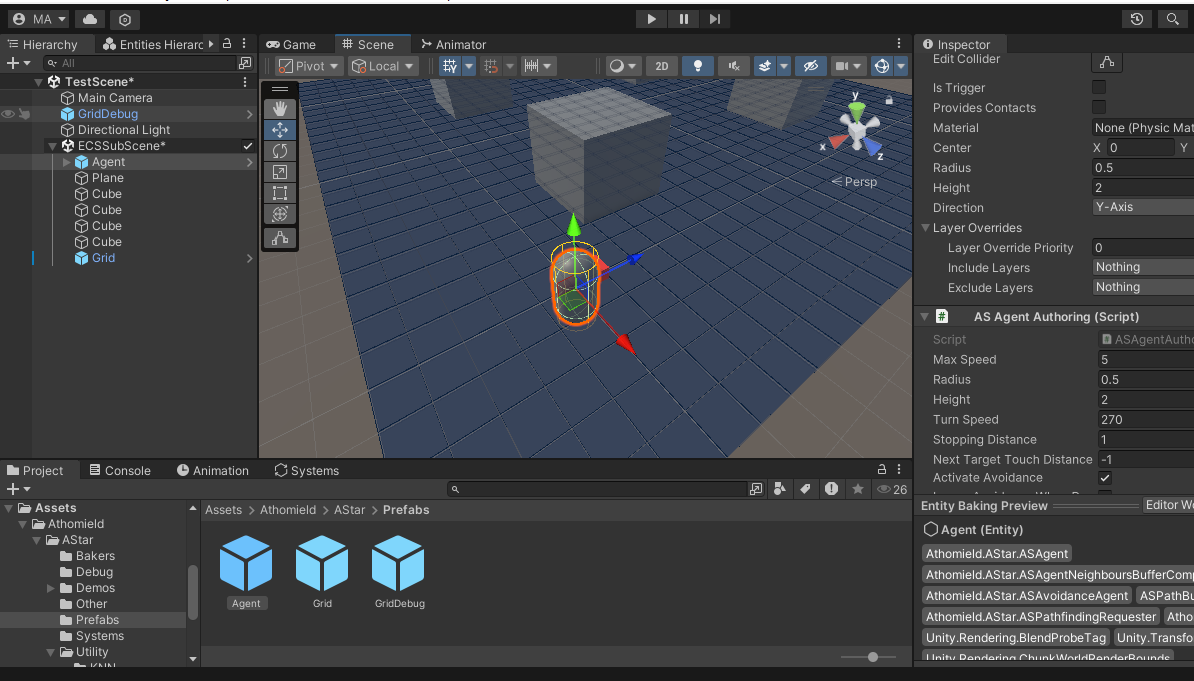
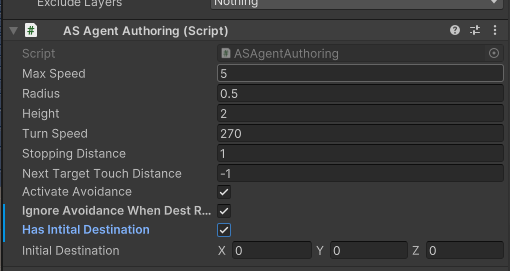
In the ASAgentAuthoring component, check “Ignore Avoidace When Dest Reached” and “Has Init Destination”.
Now When we press play the Agent will move to the center of the Grid, that’s because the initial destination is set to 0,0,0
Now dupliacate the agent multiple times and scatter them across the Grid.